Pre-Integration Checks
Pre-Integration Checks
Please check your WordPress Admin to ensure these prerequisites are met.
WordPress Version
Note
The WordPress version must be 4.4 or greater to integrate with Afterpay.
You can find the WordPress version in the WordPress Admin Dashboard in the bottom right hand corner.

WooCommerce Version
Note
The WooCommerce version must be 2.6 or greater to integrate with Afterpay.
You can find the WooCommerce version under: WordPress Admin > Plugins > Installed Plugins

Store Currency
Please note that Store Currency must correspond to the Afterpay account region.
-
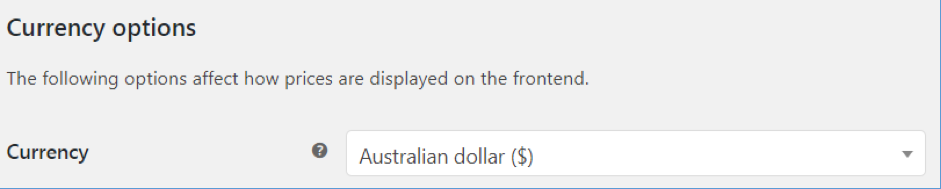
Navigate to: WordPress Admin > WooCommerce > Settings > General
-
Under ‘Currency options’, the ‘Currency’ must be one of:
- Australian dollar ($)
- New Zealand dollar ($)
- United States (US) dollar ($)