Pre-Integration Checks
Pre-Integration Checks
To offer Afterpay as a payment method, the below configurations are required. Please check your Neto settings to ensure these prerequisites are met.
Neto eCommerce Version
Note
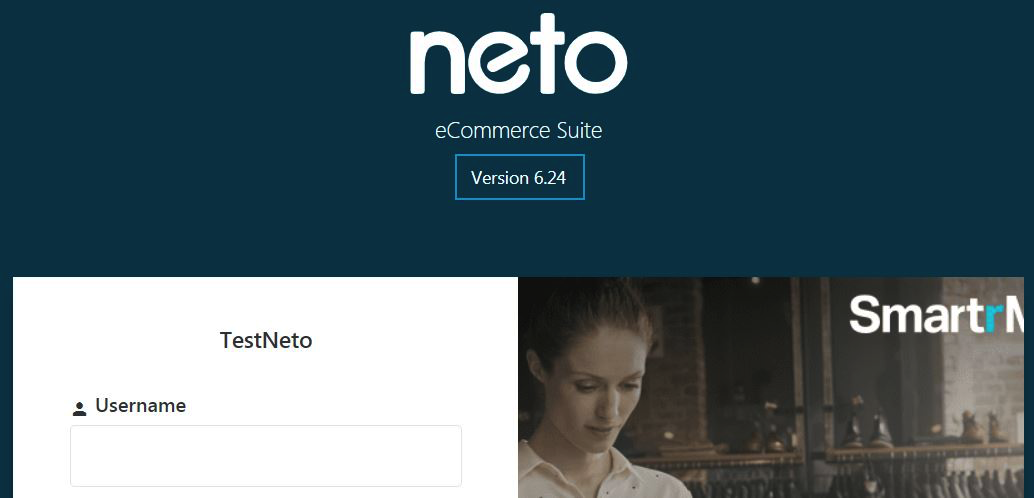
The Neto eCommerce version must be 6.10 or greater to integrate with Afterpay. The Neto eCommerce version can be found at the Neto Control Panel login screen.
Store Currency Code
Note
The Store Currency Code must correspond to the Afterpay account region.
To set the store currency code:
-
Navigate to: Neto Control Panel > Settings & Tools > Currencies & Tax
-
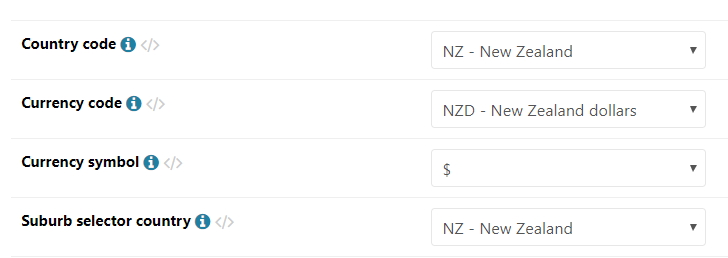
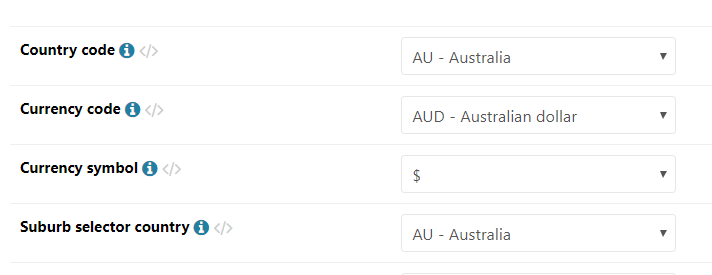
Under ‘Currency & Tax Settings’, the ‘Currency Code’ must be either:
-
AUD - Australian Dollar
-
NZD - New Zealand Dollar
-
Australian Store Currency Settings
New Zealand Store Currency Settings