Afterpay Gateway Configuration
To enable the Afterpay payment method on the Neto Checkout and Product pages, follow the steps below.
Configuration
Complete these steps to enable Afterpay as a Payment Method and display the Afterpay assets on the product pages.
-
Navigate to: Neto Control Panel.
-
Navigate to: Settings & Tools > Payment Methods.
-
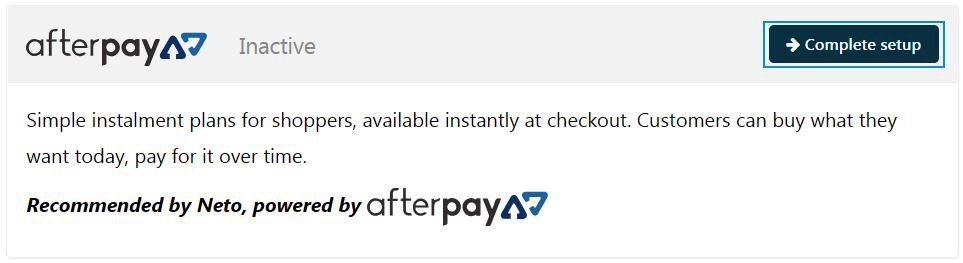
Locate ‘Afterpay’ and click ‘Complete setup’.
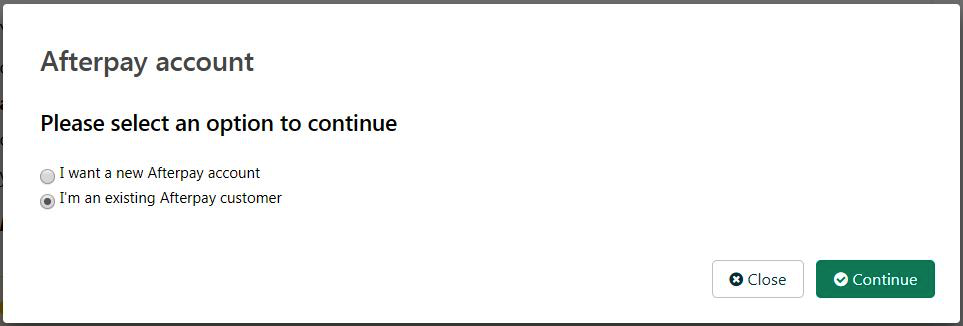
- Select ‘I’m an existing Afterpay customer’ and click ‘Continue’.
- Navigate to the ‘Configuration’ section.
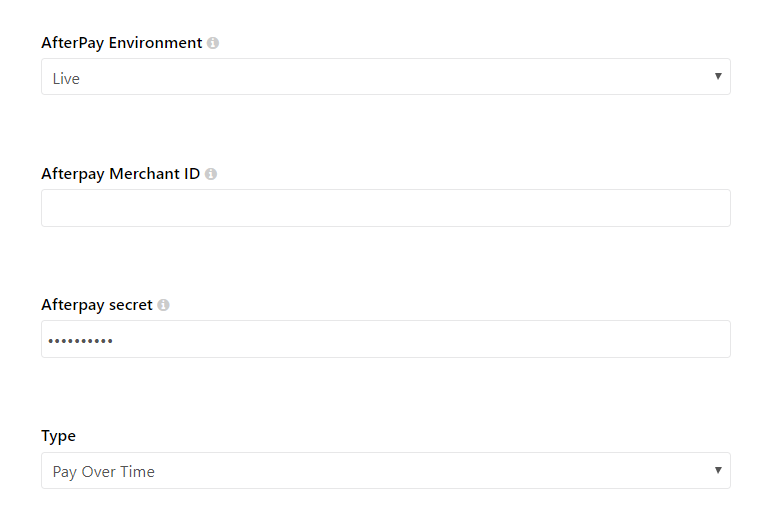
- Enter the Merchant ID provided by Afterpay into the ‘Afterpay Merchant ID’ field.

- Enter the Secret Key provided by Afterpay into the ‘Afterpay secret’ field.

- Under the ‘Type’ drop-down menu, select ‘Pay Over Time’.
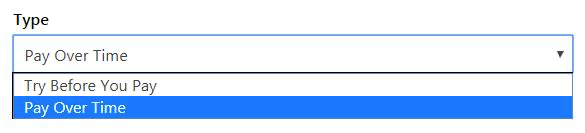
- Scroll to the bottom of the page and click the Complete button.
Notes
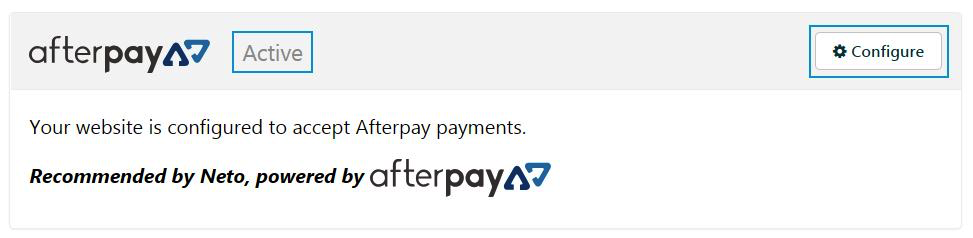
Once the configuration has been successfully completed, the Afterpay payment method will be updated to ‘Active.’
To make changes to the Afterpay configuration, click the ‘Configure’ button on the Afterpay payment method.