

Rocketspark
Configure Afterpay Payment
Complete the steps below to enable the display of Afterpay as a payment method and display the Afterpay assets on the product pages.
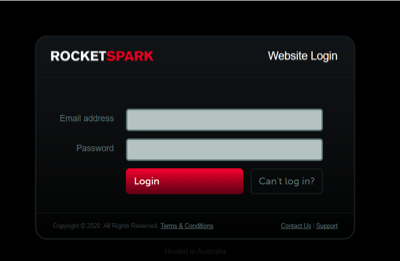
- Log in to the Rocketspark Website Admin Portal.
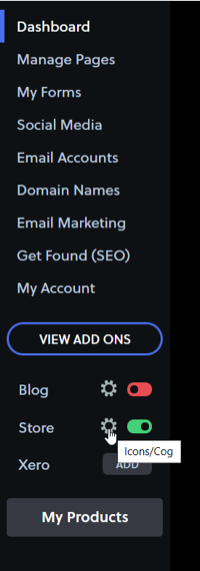
- Go to Store > Settings. Select the cog icon.
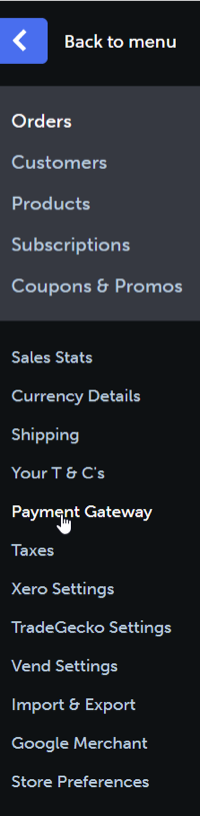
- In the menu, select Payment Gateway.
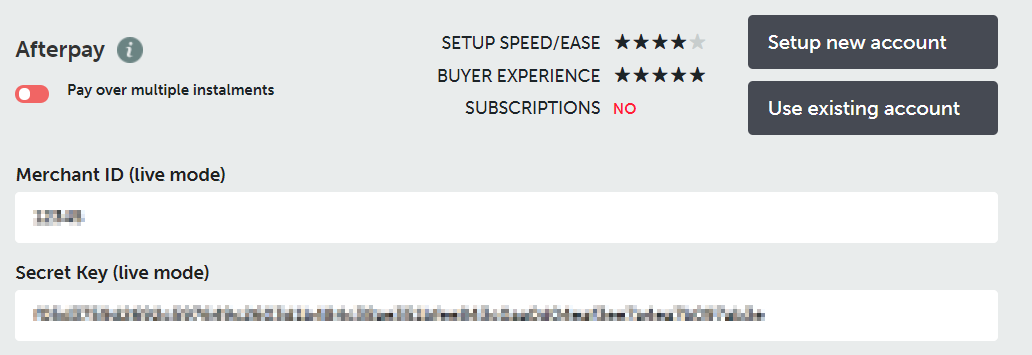
- Scroll down and find Afterpay. Click Use existing account.

-
Enter the Merchant ID, supplied by Afterpay, into the Merchant ID (live mode) field.
-
Enter the Secret Key, supplied by Afterpay, into the Secret Key (live mode) field.
-
Click Save Changes.
-
Click Enable Afterpay.
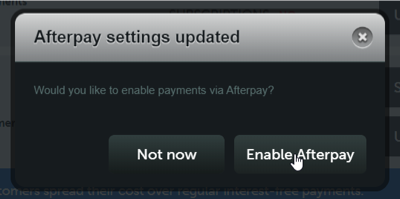
After you have completed the steps above, the toggle switch next to Pay over multiple instalments should be green.

Afterpay should now be installed and available for use by customers.
Afterpay should also appear on the product pages and as a payment option on the checkout page.
Supported Countries
Afterpay is available for Rocketspark merchants with a store in these countries:
-
🇦🇺 Australia
-
🇳🇿 New Zealand